 fnf-app
About fnf-app
The social app for your people.
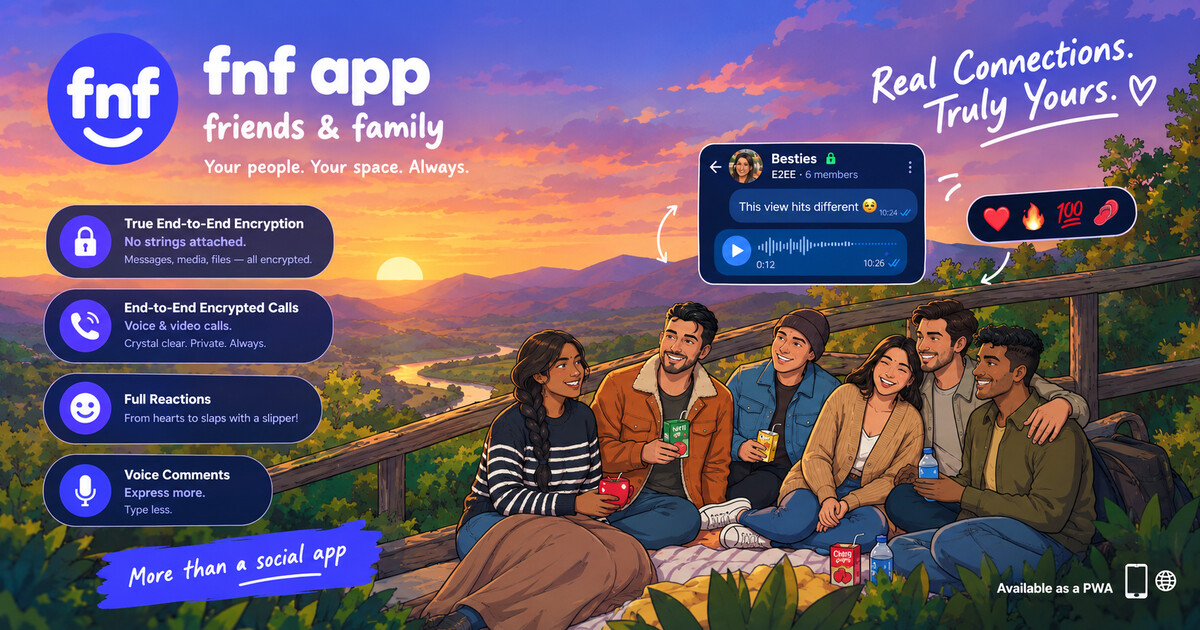
fnf-app (friends and family) is a free social app for a private circle. Open https://fnf-app.com and you are in: nothing to download, and no device permission just to start. People post on The Wall, share Moments, make audio and video calls, and play games. Chats are truly end-to-end encrypted, including every photo, video, voice message, and document sent in them. The feed does not run ads, and fnf-app does not sell personal information.
True end-to-end encryption
Chats, and every file in them.
Words, photos, videos, voice messages, and documents are encrypted on the devices in the conversation before they leave. Each file has its own key. fnf-app stores ciphertext, and a file that was changed on the way is rejected.
- Chats
- Photos
- Videos
- Voice
- Documents
Zero download
Open it. That is the install.
No store package, no installer, and no device access just to start. fnf-app in the browser is the app. Add a home-screen icon later if you want one. Camera, microphone, and notifications are asked for only when you use them.
- Open the site
- Home-screen icon
- Camera when you call
- Alerts when you allow them
At a glance
- Name
- fnf-app, short for friends and family
- Website
- https://fnf-app.com
- Price
- Free
- Ads
- None in the feed, messages, or games
- Messages
- End-to-end encrypted direct and group chats, including photos, videos, voice messages, and documents
- Posts
- Visible to the people your privacy settings allow. Not end-to-end encrypted.
- Install
- No download. Open the site. No device access is required to start.
- Languages
- English and Bangla
- Contact
- [email protected]
What you do on fnf-app
The Wall
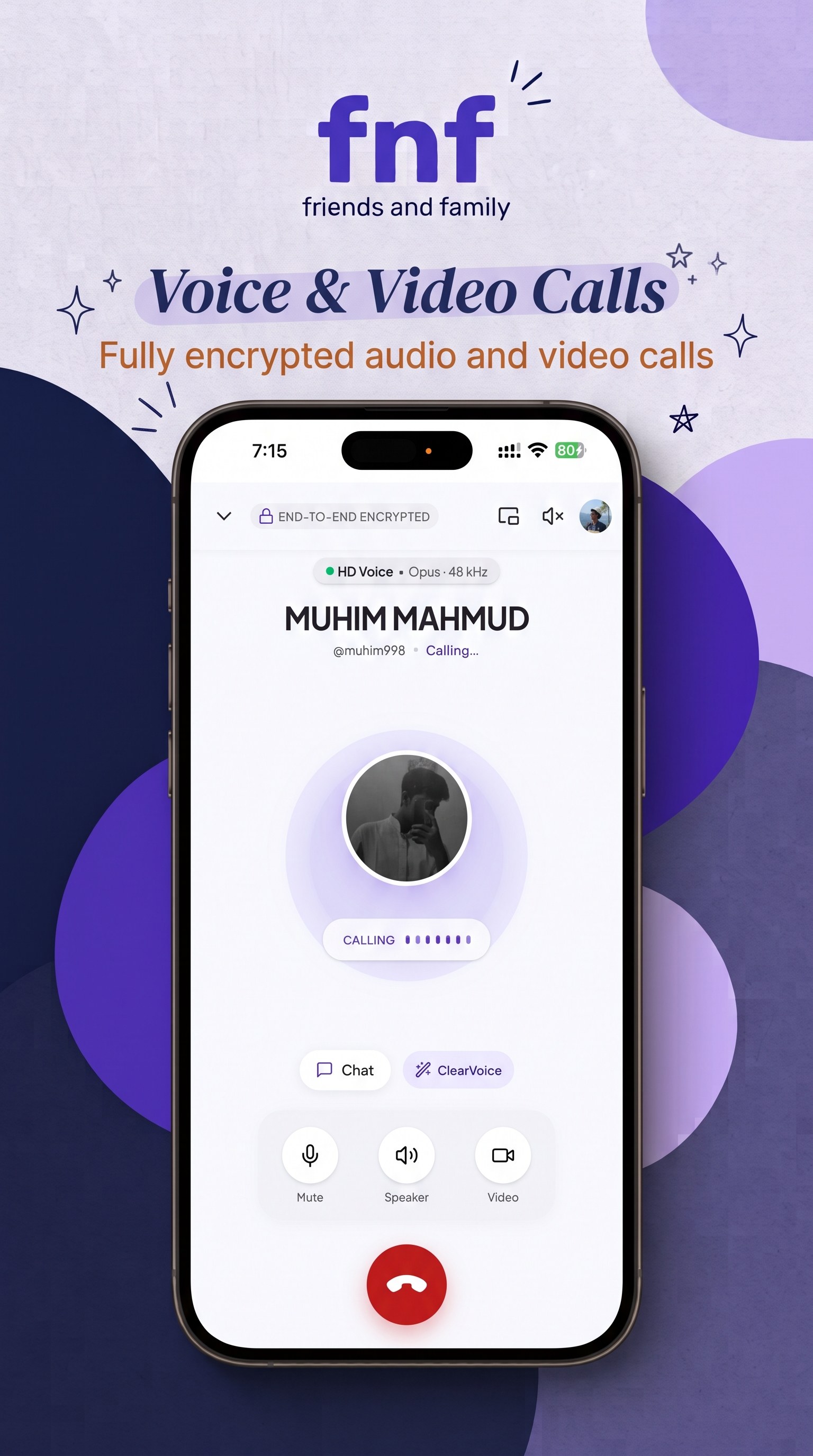
The home feed is posts from your friends and family. A post can be text, photos, a poll, or a short clip. People reply and react. There is no ad slot in the feed.
Encrypted chats
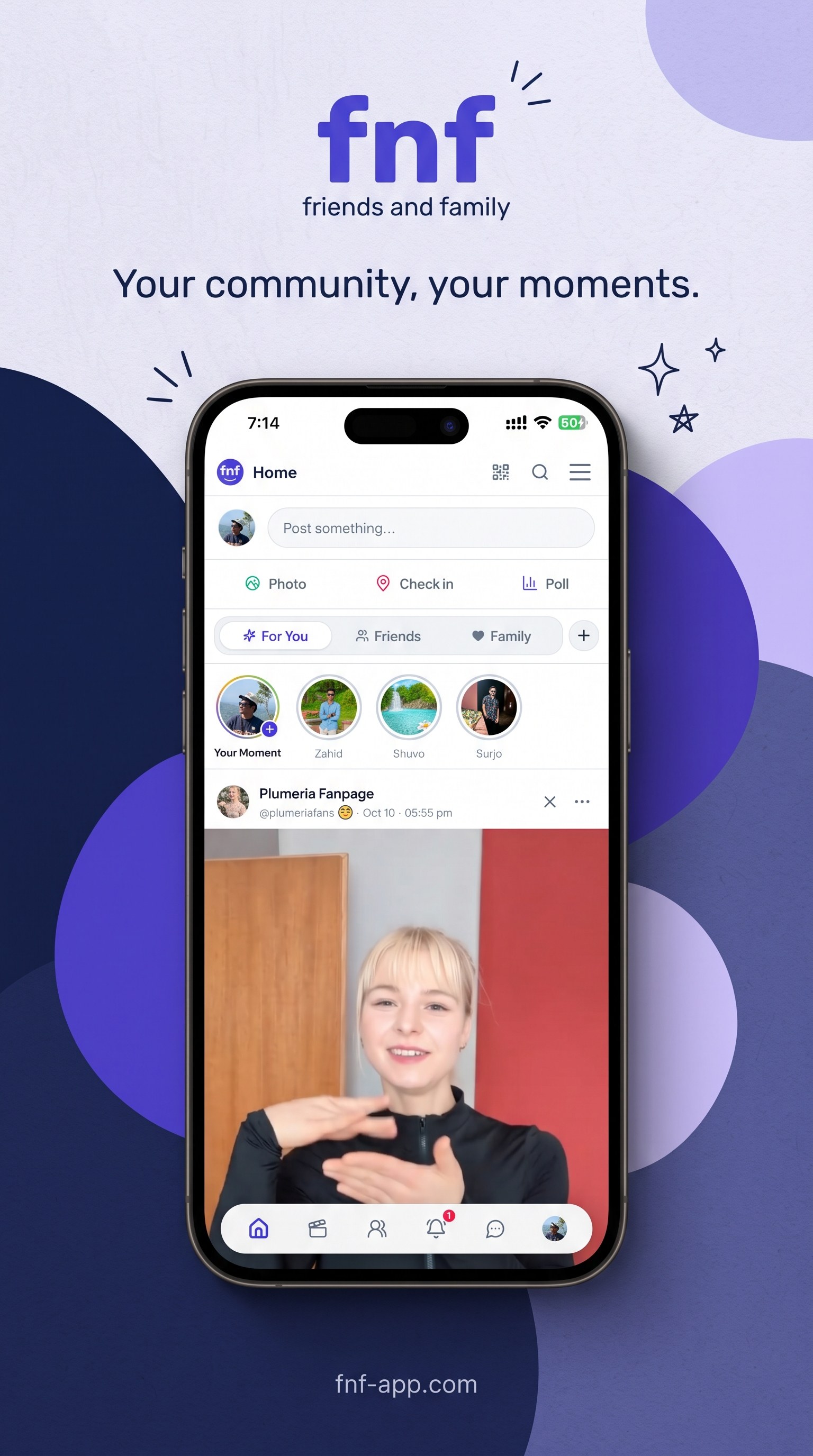
Direct messages and group chats are end-to-end encrypted on the devices in the conversation. That seal covers the words and every file sent with them: photos, videos, voice messages, and documents. Each file is encrypted on the device, with its own key, before it is uploaded. fnf-app stores only ciphertext, and a file that was changed in transit is rejected. Adults (18+) can also send Voice Notes, short clips that play without a title on the bubble.
Calls
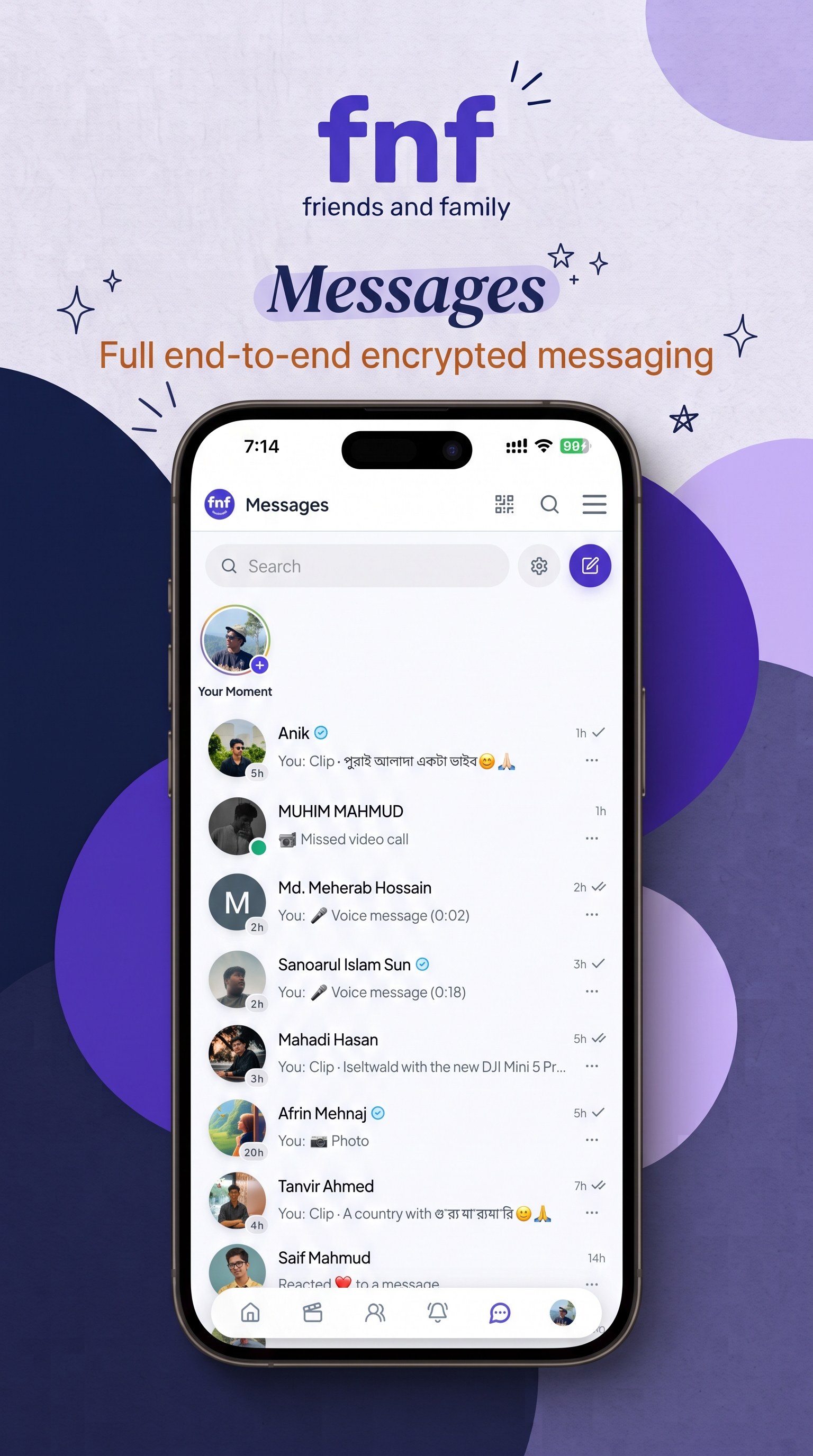
Start an audio or video call with someone your settings allow. A call is a live connection between the people on it.
Moments and Spotlights
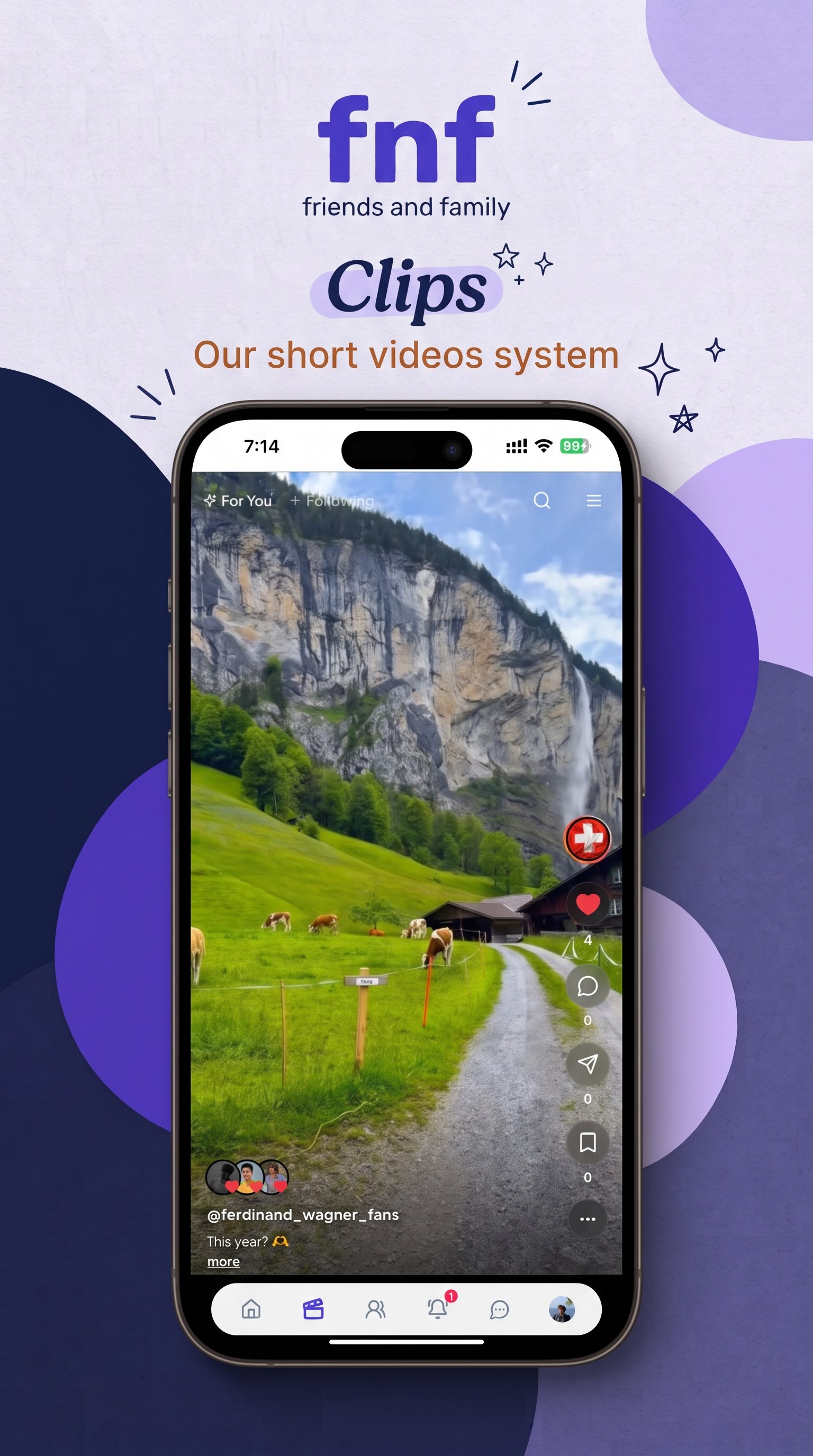
Moments are short photo and video updates, closer to a story than a post that stays on the feed. Spotlights are collections on a profile that keep selected posts and clips together.
Pages
A Page is a profile for a business, a school, a fan community, or something similar. The owner can add admins, and the Page can post.
Friends and family
Friends and family are different connections. Family is not another name for a friend. You can limit messages and calls to friends and family, and you can close friend requests.
Nothing to download
fnf-app is the website and the app. There is no store package, no installer, and no device permission required just to open it. Use it in Chrome or Safari immediately. Add it to the home screen later if you want an icon. The microphone, camera, and notifications are asked for only when you record, call, or turn alerts on.
Games
CityEater, Ludo Kings, and 2048 Challenge are included. Guests can play in the browser. An fnf-app account keeps game progress with the person, not only in that browser.
Your rules
Lock a profile so only friends, only family, or both can see it. Choose who can message you and who can call you. Block someone. Hide message text on the lock screen.
Questions
What is fnf-app?
fnf-app (friends and family) is a free, ad-free social app for the people you actually know. Nothing to download: open https://fnf-app.com and you are in, with no device permission required to start. You post on The Wall, make audio and video calls, share Moments, and play games. Chats are end-to-end encrypted, and so is every photo, video, voice message, and document sent in them.
Who is fnf-app for?
fnf-app is for a private circle of real friends and family. You decide who can see your profile, who can message you, and who can call you. It is built for that smaller group, not for reaching strangers.
Is fnf-app free?
Yes. Creating an account, posting, messaging, calling, and playing the included games do not require a payment.
Does fnf-app show advertisements?
No. The feed, messages, and games do not run advertisements.
Does fnf-app sell personal information?
No. fnf-app does not sell, rent, or share personal information with third parties except as the privacy policy describes, or when the law requires it. The privacy policy is at https://fnf-app.com/privacy-policy.
How is fnf-app different from a typical social network?
The product is a private circle, and it starts with zero download. Friend requests, messages, and calls can be limited to friends and family. Chats are end-to-end encrypted, and so is every photo, video, voice message, and document inside them. The feed does not sell attention with ads.
What is The Wall?
The Wall is the home feed: posts from your friends and family. A post can be text, photos, a poll, or a short clip. People can reply and leave reactions.
What are Moments?
Moments are short photo and video updates. They behave more like a story than a post that stays on The Wall. Your own Moments stay available to you in Moments history.
What are Spotlights?
Spotlights are collections on a profile. They keep selected posts and clips together so visitors can open a highlight without scrolling the whole feed.
What are Pages?
A Page is a profile for a business, a school, a fan community, or a similar group. A Page can post, and the owner can add other people as admins.
What is the difference between a friend and family on fnf-app?
They are separate connections. Adding someone as family is not the same as adding them as a friend. Privacy settings can allow messages and calls from friends and family while refusing everyone else.
Are fnf-app messages private?
Yes. Direct chats and group chats are end-to-end encrypted on the members' devices, and so is the media in them. A photo, video, voice message, or document is encrypted on the sender's device with its own key before upload. The key travels inside the encrypted message. fnf-app's servers store ciphertext, not a copy they can open, and a file whose contents were altered is rejected. You can hide notification previews so a lock-screen alert does not show the message text.
Are posts end-to-end encrypted?
No. Posts, Moments, profile fields, and Pages are shown to the people your privacy settings allow. End-to-end encryption applies to chats, not to the social feed.
Can I send a voice message?
Yes. Inside a chat you can record a voice message and send it. Adults, people marked 18+ on their account, can also send Voice Notes: short clips that play without a title written on the bubble.
Can I make voice and video calls?
Yes. You can start an audio call or a video call with someone your call setting allows. The default is friends and family. You can open calls to anyone instead.
Who can message me or call me?
You choose, separately, for messages and for calls. Each control is either friends and family, or anyone. You can also refuse new friend requests, lock your profile, and block a person.
What does locking a profile do?
A locked profile is hidden from people outside the audience you pick: friends, family, or both. Someone outside that audience does not get the usual profile.
Which games are on fnf-app?
CityEater is a 3D game where you steer a hole and swallow a city. Ludo Kings is online Ludo for 2 to 4 players, with friends or bots. 2048 Challenge is the sliding-tile puzzle. Guest play is at https://fnf-app.com/games. An fnf-app account keeps progress with the account. Guest progress stays in that browser only.
Do I have to download fnf-app?
No. There is nothing to download and nothing to install before you can use fnf-app. Open https://fnf-app.com in the browser and the app is there. Starting does not ask for access to your files, camera, microphone, or contacts. You can add fnf-app to the Android or iPhone home screen later; that only adds an icon. fnf-app is not a separate listing in the Apple App Store or Google Play.
Which languages does fnf-app support?
English and Bangla. Switch language from the menu, under PWA settings.
How do notifications work?
After you allow them, fnf-app can send push notifications for messages, calls, and other activity while the app is in the background. Notification previews can be hidden so the alert does not include the message text.
What is Battery efficient mode?
Battery efficient is on by default. While the app is in the background, fnf-app pauses live chat connections so the phone is not keeping a socket open. Push notifications still arrive. Turn it off from Menu, then PWA settings, if you want the live connection to stay up in the background.
How do I create an account or log in?
Create an account at https://fnf-app.com/signup. Log in at https://fnf-app.com/login. The app itself opens at https://fnf-app.com.
How do I contact fnf-app?
Email [email protected]. The terms are at https://fnf-app.com/terms and the privacy policy is at https://fnf-app.com/privacy-policy.